Kiru or Fits
Kiru vs Fits: Which wardrobe app should you choose?
Both apps let you add clothes from photos and create outfits with what you own. Fits offers collages and a calendar, while Kiru has drag-and-drop folders and an outfit feed with links to Russian stores.
Download the app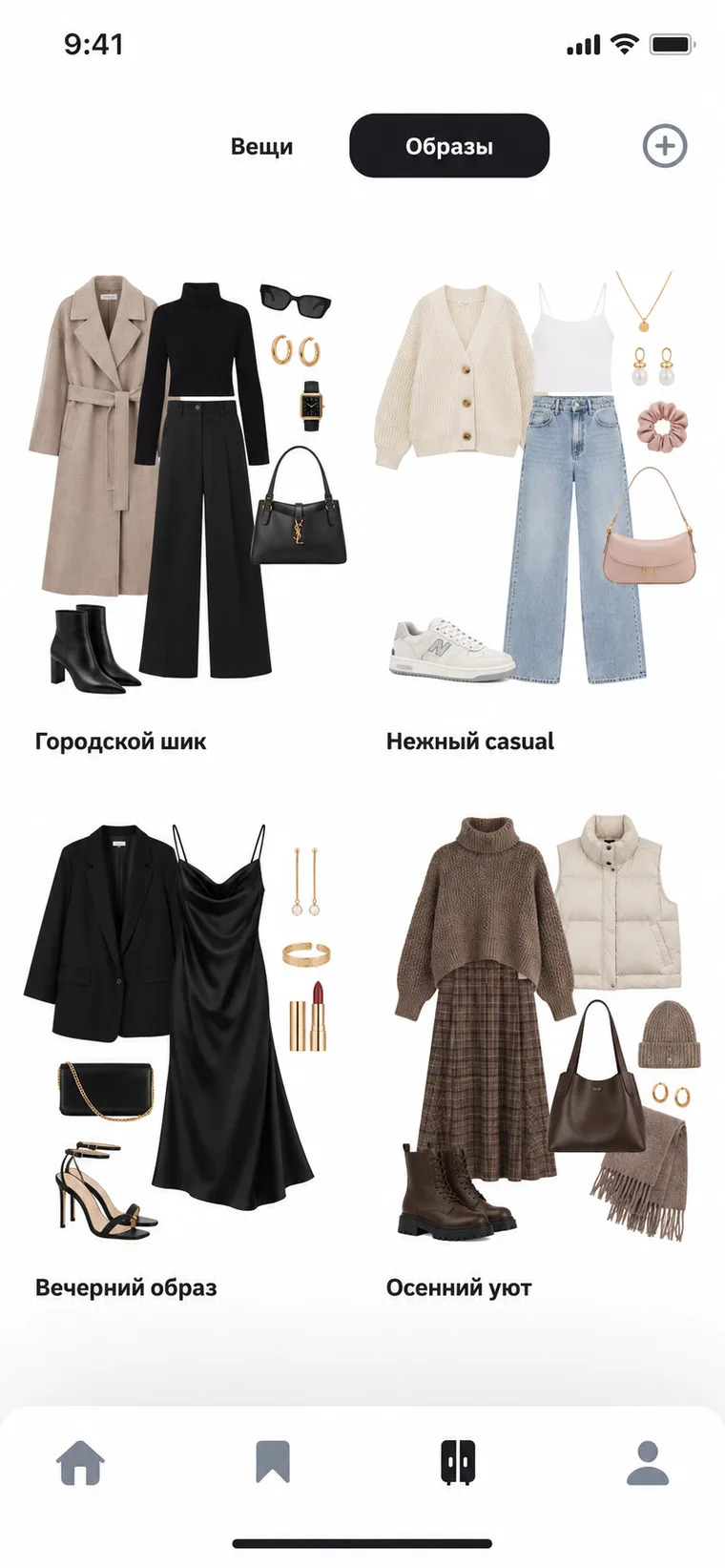
How to create outfits
In Fits, you can arrange items on a canvas or swipe through them on a virtual mannequin. Add finished outfits to the calendar to plan what to wear on a specific day.
In Kiru, you can create and save outfits from your wardrobe. For inspiration, browse the feed for outfits posted by users, stylists, and stores.
How the wardrobe is organized
In Fits, you can group items into collections, tag them, and use filters. The free version includes up to five custom tags and unlimited items and outfits.
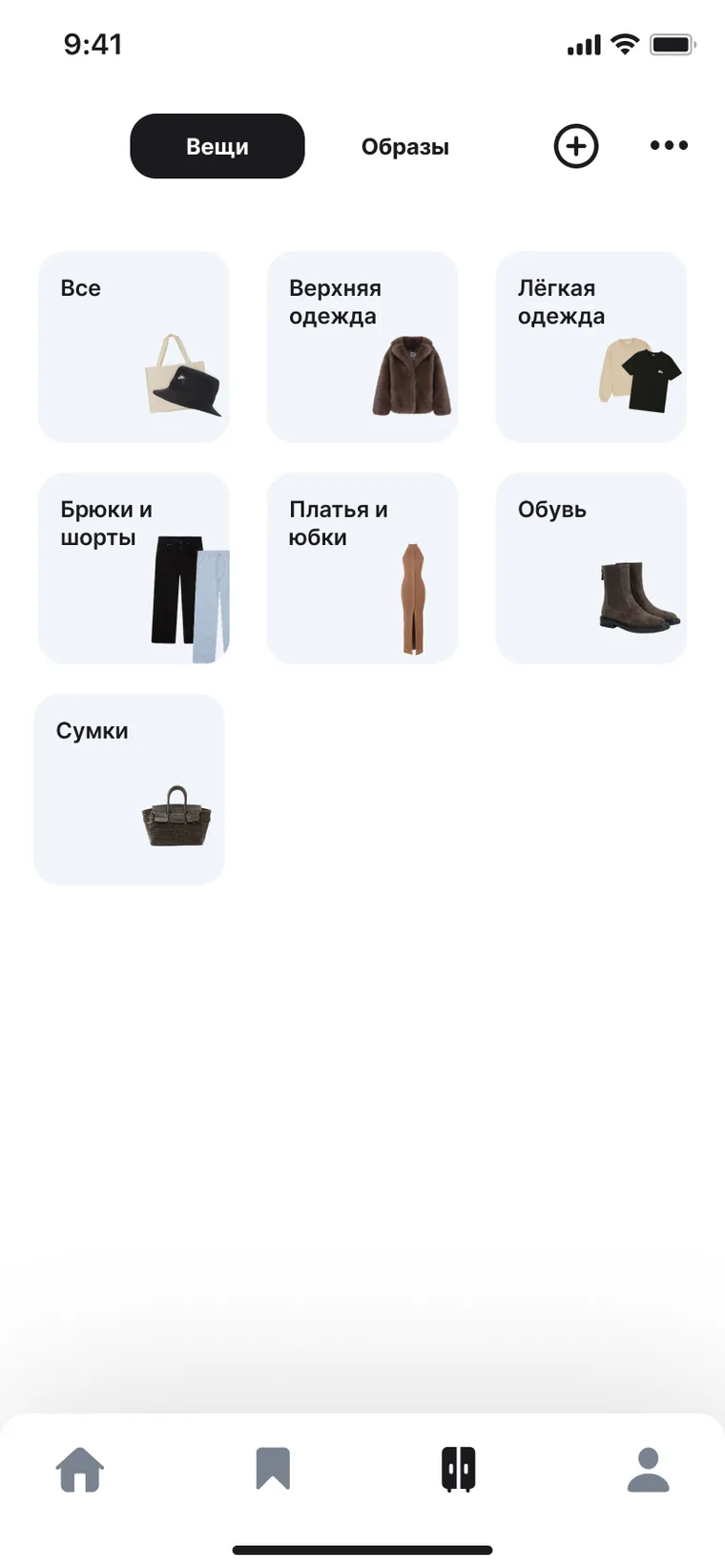
In Kiru, you can drag items into folders and reorder the folders themselves. You can add up to 20 items and create up to eight folders for free.
Questions about switching from Fits
Yes. On the free plan, you can add unlimited items, remove photo backgrounds, create outfits, and schedule them in the calendar.
Fits Pro includes unlimited AI stylist chats and outfit suggestions, advanced stats, additional tags, and 30 monthly credits for virtual try-ons and photo enhancements.
In Kiru, you can drag clothes into folders and find links to Russian stores beneath outfits in the feed. In Fits, you can create collages, swipe through clothes on a virtual mannequin, and schedule outfits in the calendar.
What each app can do
| What we compare | Kiru | Fits |
|---|---|---|
| Free plan | 20 items | Unlimited items and outfits |
| Wardrobe from photos | yes | yes |
| Automatic background removal | yes | yes |
| Outfits from your own clothes | yes | yes |
Fits data comes from the Fits Help Center, November 2026.
Build your wardrobe in Kiru