Wardrobe apps help you remember a forgotten sweater, find pants to go with it, and save an outfit for tomorrow. We compare 6 popular apps for creating outfits from your own clothes: features, free limits, and subscription prices.
Acloset combines a digital wardrobe, AI recommendations, and planning tools. A Russian interface is available.
Items and wardrobe organization. AI recognizes clothes in photos. You can import items from supported stores and order emails, while the Chrome extension lets you save clothes from websites and view your wardrobe alongside your shopping.
Creating outfits. The AI stylist suggests combinations from your clothes based on the weather and your plans. You can choose a specific jacket and ask it to complete the look.
Additional features. The Acloset website describes photo-based avatar try-on, trip planning, and wear statistics.
Pricing and limits. Free for up to 100 items with access to all features. A subscription for 300 items starts at 249 ₽/month.
Who it suits. People who want ready-made outfit ideas for everyday life and trips.
Kiru is an app for a digital wardrobe and creating outfits from your own clothes. It is available on iOS and Android, with an interface and support in Russian.
Items and wardrobe organization. Kiru's distinctive feature is folders with covers that look like smartphone app icons. You can move them around and sort the items inside by color, cut, or personal preference. You define the structure of your digital wardrobe yourself.
Add several clothing photos from your gallery at once: the backgrounds are removed automatically.
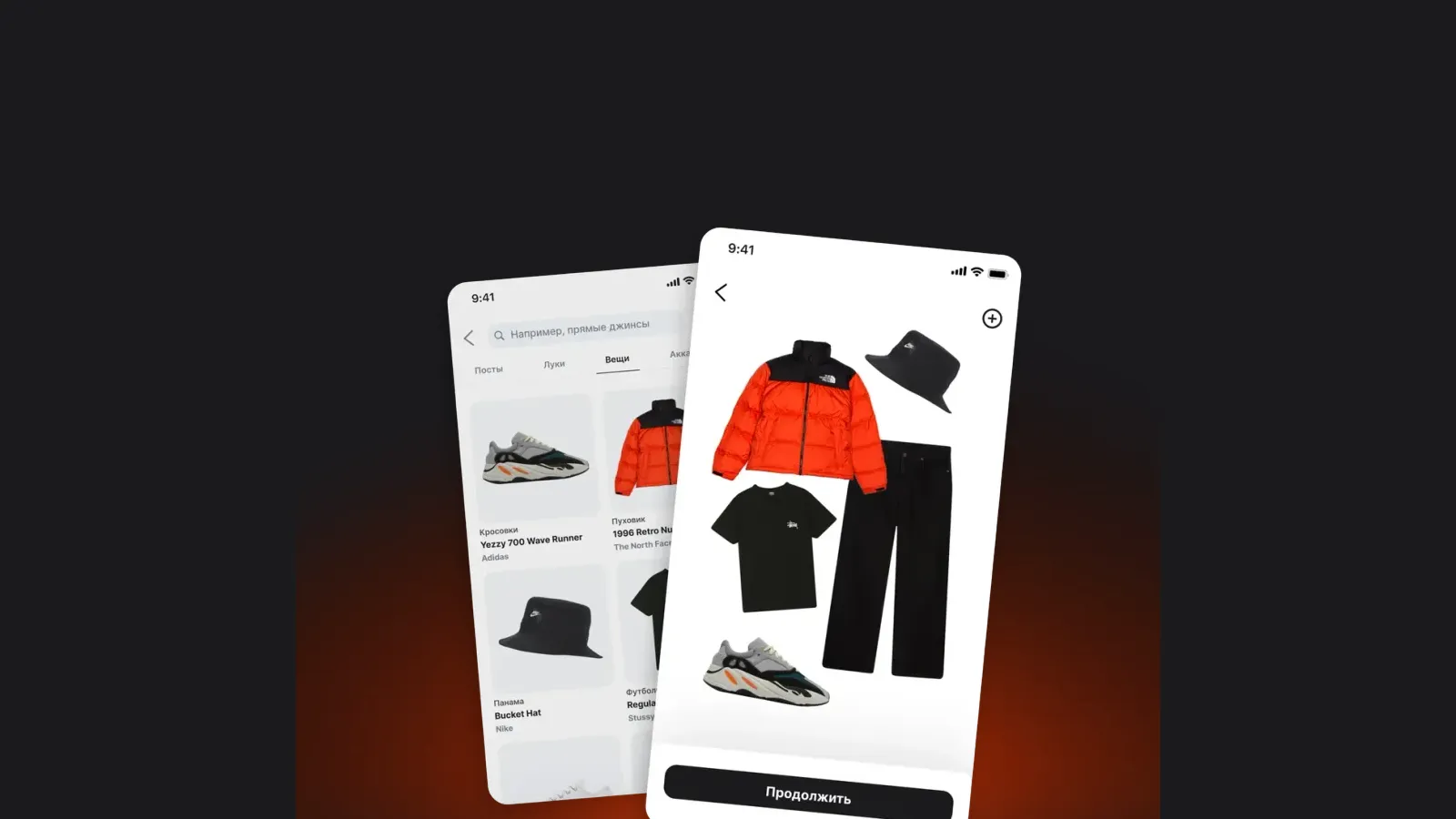
Creating outfits. To build an outfit from your clothes, add them to a board and move them with your fingers to find a combination. You can save finished looks in your own folders and share them.
Additional features. Users, stylists, and stores post outfits in Kiru's feed. Each includes the items in the look and links to buy them. You can discover combination ideas and post your own.
Pricing and limits. All features are free for up to 20 items and 8 folders. A subscription for 100 items and 20 folders starts at 99 ₽/month.
Who it suits. People who value simple design and want to organize their own wardrobe and create outfits.
GetWardrobe is a wardrobe that syncs between your phone and computer. It is available on iOS, Android, macOS, and the web.
Items and wardrobe organization. Upload clothing photos with automatic background removal. The paid plan includes an archive, bulk editing, and advanced filters — tools for working with a large catalog.
Creating outfits. There is an editor, an AI generator for multiple combinations, and an AI studio for refining one outfit step by step.
Additional features. Plan what to wear in the calendar with the weather in mind. Premium adds family wardrobes, packing lists, and statistics, including cost per wear.
Pricing and limits. The free plan lists up to 100 items and outfits, an editor, a calendar, and an entry-level AI generator. Paid plans start at 499 ₽/month for a wardrobe with more than 100 items.
Who it suits. People who plan outfits and access their wardrobe from different devices.
Fits combines a digital wardrobe, a collage editor, and an AI stylist. The app is available on iOS and Android, with a Russian interface.
Items and wardrobe organization. Add clothes by taking a photo, choosing one from your gallery, or using the built-in browser to import from a website. Backgrounds are removed automatically. There are collections, tags, filters, and custom item ordering.
Creating outfits. Browse clothes in fitting-room mode or arrange items freely on a canvas to make a collage. AI recommendations are available with Fits Pro.
Additional features. A calendar, wear statistics, wishlists, packing lists, and outfit sharing with the community. There is also AI try-on and clothing recognition in selfies.
Pricing and limits. The free plan includes unlimited items and outfits, background removal, collections, a calendar, and five custom tags. Pro costs 499 ₽/month and includes 30 AI operations. Extra packages start at 199 ₽ for 5 credits.
Who it suits. People who want to store a large wardrobe for free and create their own collages.
Tidy is a digital wardrobe with an AI stylist. The service focuses on personalized combinations, shopping recommendations, and preparing clothes for trips.
Items and wardrobe organization. Add clothes from photos or the app's catalog. AI can extract individual pieces from an outfit photo and sort them into folders. Folders are created automatically, and their order cannot be changed.
Creating outfits. The AI stylist suggests looks based on the occasion, weather, and style, as well as travel capsules.
Additional features. Shopping recommendations from partner brands based on your style. The description also lists dry cleaning, repairs, and resale.
Pricing and limits. Up to 20 wardrobe items are available for free. Paid subscriptions start at 899 ₽ per month.
Who it suits. People looking for outfit and shopping recommendations who are willing to pay for a subscription.
Whering combines a digital wardrobe, outfit creation, and interaction with other users. Its interface is available only in English.
Items and wardrobe organization. Add clothes from photos and the internet, with up to 10 photos at a time. There are categories, tags, filters, and an archive. Group outfits into Lookbooks — collections for a season or occasion.
Creating outfits. There is a collage editor. Dress Me lets you browse combinations using filters, while W Pick suggests outfits from your clothes based on your style and the weather.
Additional features. A calendar, packing lists, and wear statistics. You can view other users' public wardrobes and create outfits for them.
Pricing and limits. The official help center describes Whering as a free app. No overall item storage limit is listed.
Who it suits. People who want to exchange ideas with friends and are comfortable using an English interface.
It is a catalog of your own clothes in an app. It is also called an electronic or virtual wardrobe. Add items from photos, organize them into folders or categories, and use them to create outfits.
How do I create an outfit from my clothes in an app?
Add photos of your items, choose a top, bottom, shoes, and accessories, then save the combination. In the editor, you build the outfit yourself. Apps with automatic recommendations can suggest combinations from the clothes you have uploaded.
Can I use a wardrobe app for free?
Yes. Fits and Whering have no overall limit on the number of items. Kiru offers all features, 20 items, and 8 folders for free. The other apps also have free allowances; their terms are listed in the sections above.
Do I need AI to create outfits?
No. An item catalog and an editor are enough to create and save combinations yourself. AI helps you find additional ideas.
Can I create outfits online on a computer?
Yes, GetWardrobe has a web version. Acloset's Chrome extension is designed for adding items from stores and viewing your wardrobe.